
Shapr3D
for Windows- Name Shapr3D
- Category Productivity
- Downloads 69,000,000+
- Developer Shapr3D
- Available on PC
- OS Windows 10 version 18362.0 or higher
- Architecture x64, Arm64
- DirectX Version 11
Pros
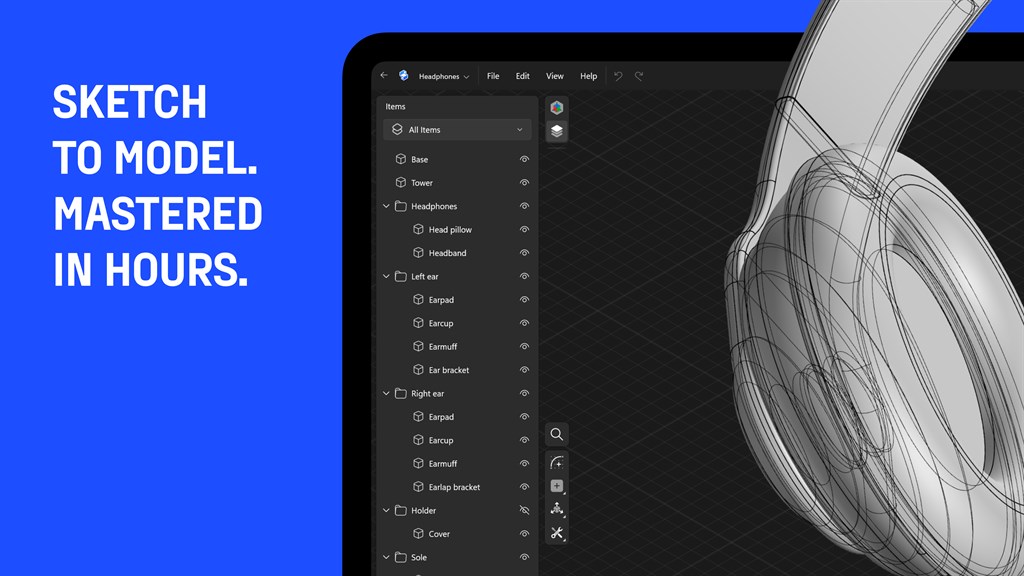
1. User-friendly Interface: Shapr3D offers an intuitive interface, simplifying the transition for users familiar with traditional CAD systems while also being accessible for beginners, streamlining the learning curve.
2. Direct Modeling Approach: It utilizes direct modeling, allowing users to quickly manipulate and adjust geometry without complex history trees, facilitating rapid prototyping and iterative design processes.
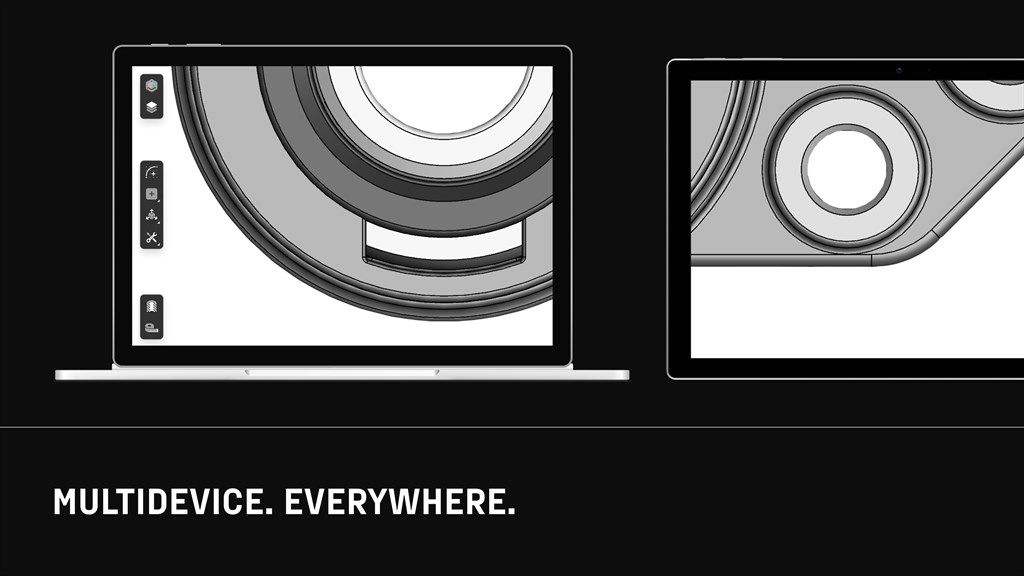
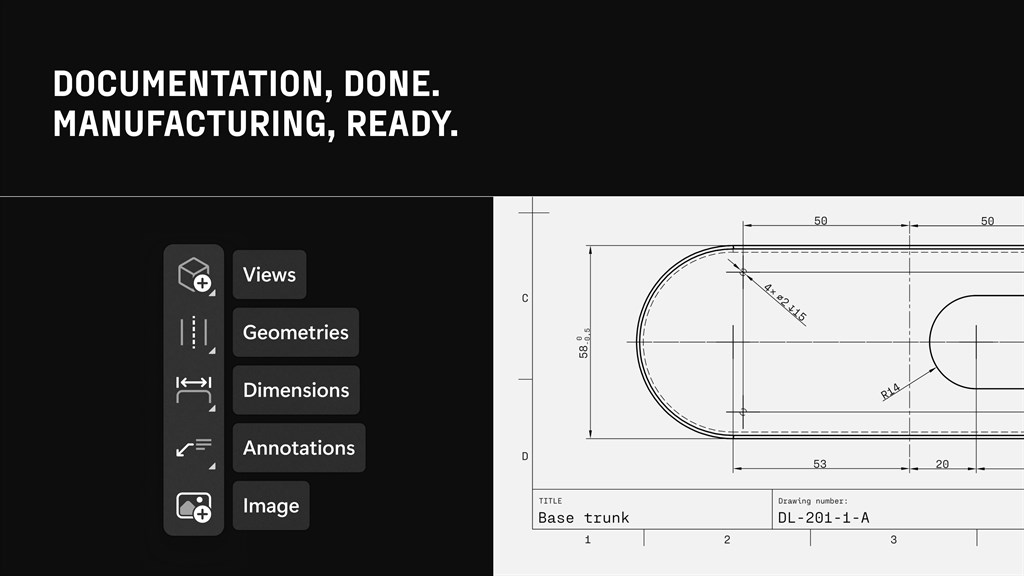
3. Mobility and Compatibility: Shapr3D is optimized for touch and stylus input, making it highly adaptable for use on tablets and PCs, ensuring designers can work efficiently on-the-go while maintaining compatibility with major CAD file formats for seamless integration with other platforms.
Cons
1. Limited Compatibility: Shapr3D is primarily designed for iOS and macOS, with the PC version potentially lacking optimization or features available on Apple platforms, leading to a subpar user experience for PC users.
2. Steep Learning Curve: New users may find Shapr3D challenging to learn, particularly if they are accustomed to traditional PC-based CAD programs, as it originally focused on a touch-based interface.
3. Performance Constraints: Shapr3D requires a PC with high specifications to operate smoothly. Users with less powerful hardware may encounter performance issues such as lag or an inability to handle complex models efficiently.


