
Screenshot Snipping Tool
for Windows- Name Screenshot Snipping Tool
- Category Utilities & tools
- Downloads 39,000,000+
- Developer Queenloft
- Available on PC, Mobile, Surface Hub, HoloLens
- OS Windows 10 version 16299.0 or higher

Pros
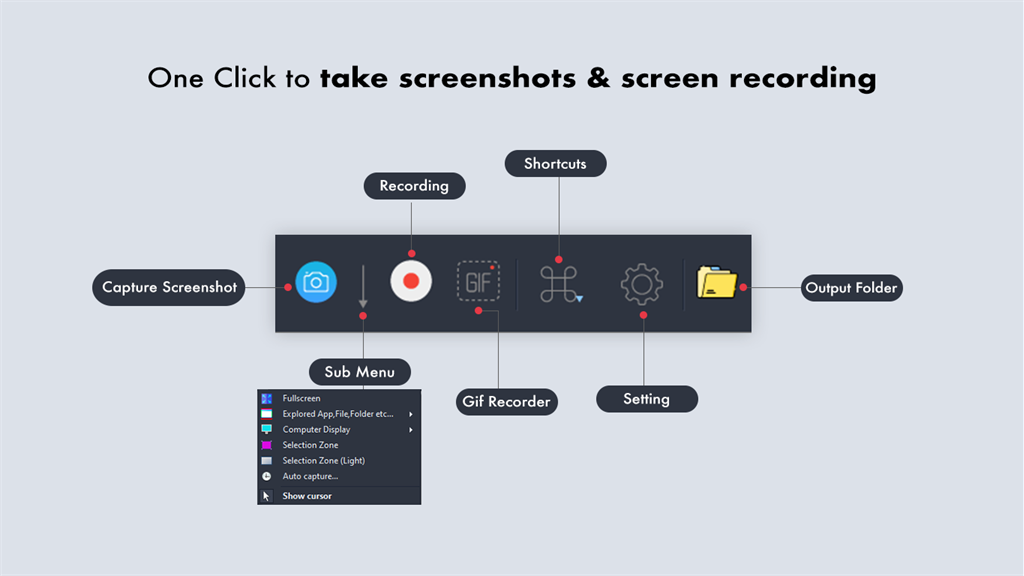
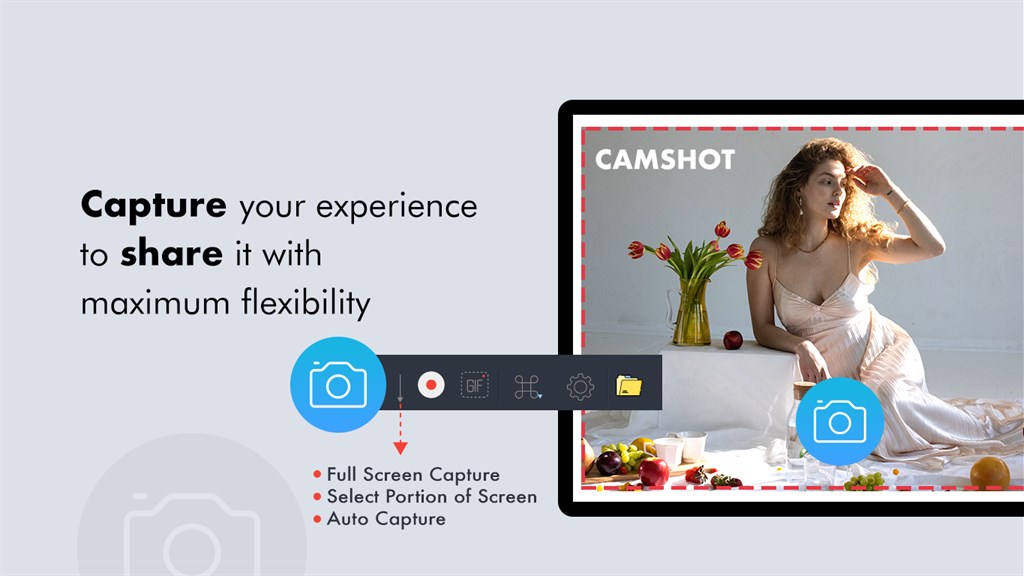
1. The Screenshot Snipping Tool enables precise area selection, allowing users to capture exactly what they need without the entire screen, enhancing efficiency and focus.
2. It includes built-in editing features, such as annotations and highlights, which facilitate quick modifications directly within the tool.
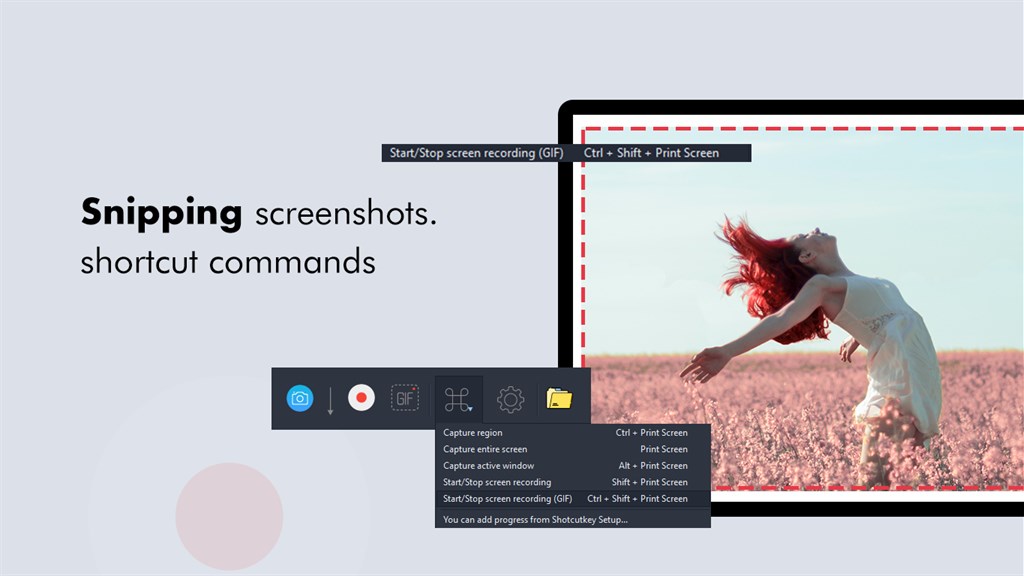
3. The software supports multiple file formats and instant sharing options, making it easy to distribute captured content through various channels.
Cons
1. Limited editing features: The Screenshot Snipping Tool offers basic editing options, lacking advanced functionalities like multiple layers, vector shapes, or filters, which are available in more sophisticated image editing programs.
2. No cloud storage integration: The tool does not support automatic saving or synchronization with cloud storage services, forcing users to manually manage and save their screenshots.
3. Inconsistent updates: The software is not frequently updated, leading to potential compatibility issues with newer operating systems and a lack of new features or improvements over time.


