
Microsoft Photos
for Windows- Name Microsoft Photos
- Category Photo & video
- Downloads 101,000,000+
- Developer Microsoft Corporation
- Available on PC, Surface Hub, Xbox console, Mobile, HoloLens
- OS Windows 10 version 19042.0 or higher
- Architecture x64, Arm64
Pros
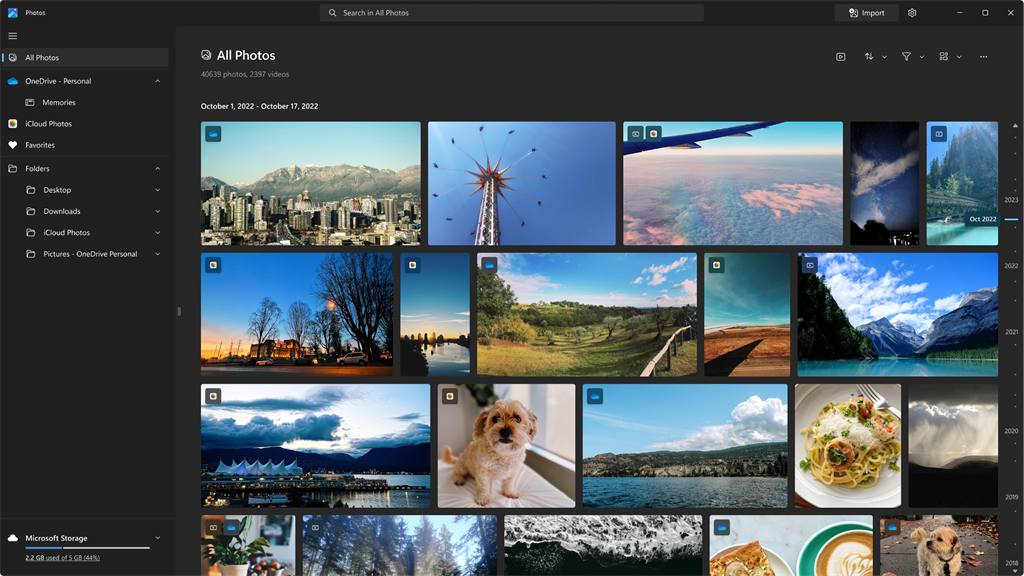
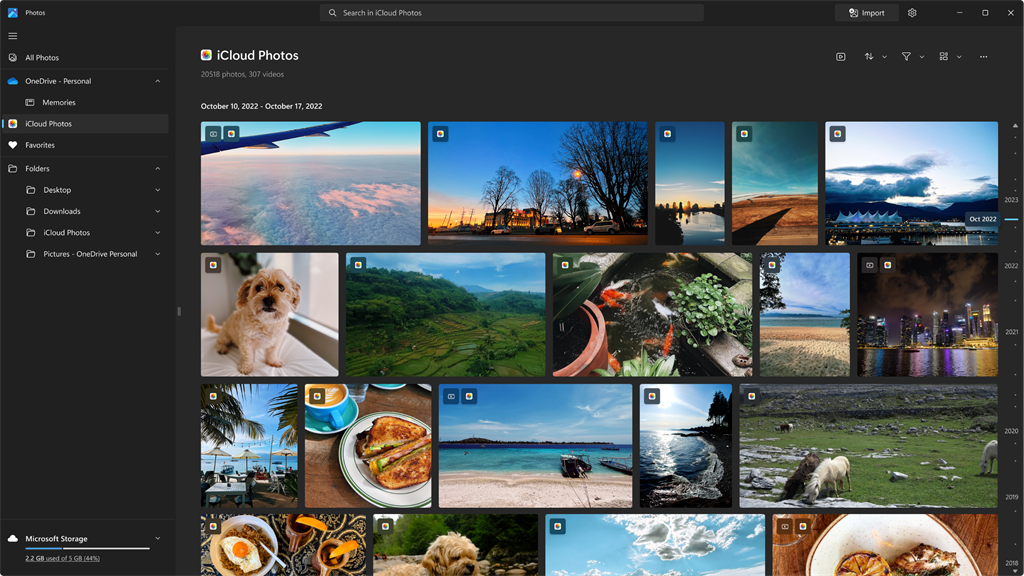
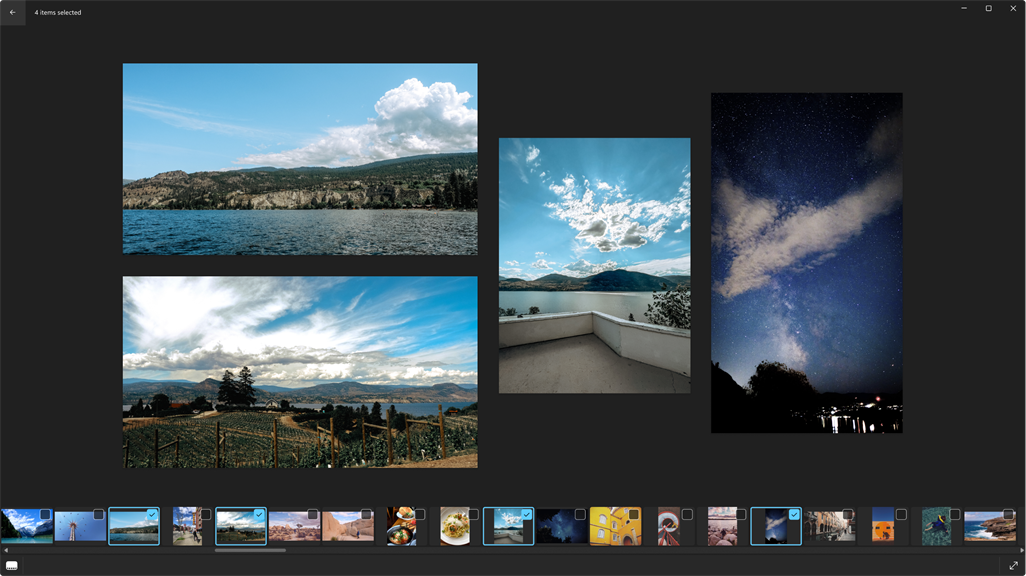
1. Organize and manage your photos effortlessly: Microsoft Photos offers an intuitive interface that allows you to easily sort, filter, and organize your photos according to date, location, or tags, making it simple to find specific images when you need them.
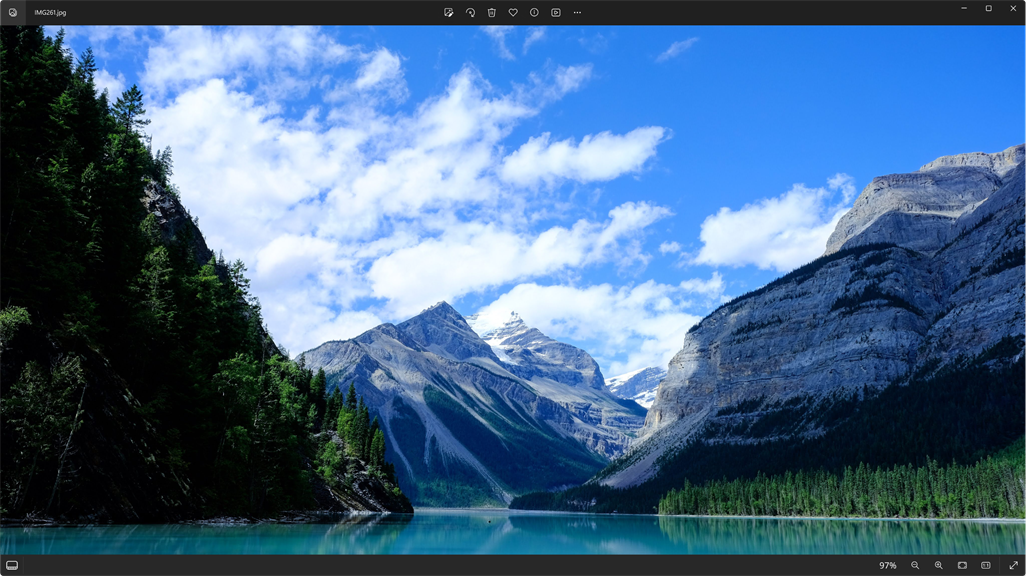
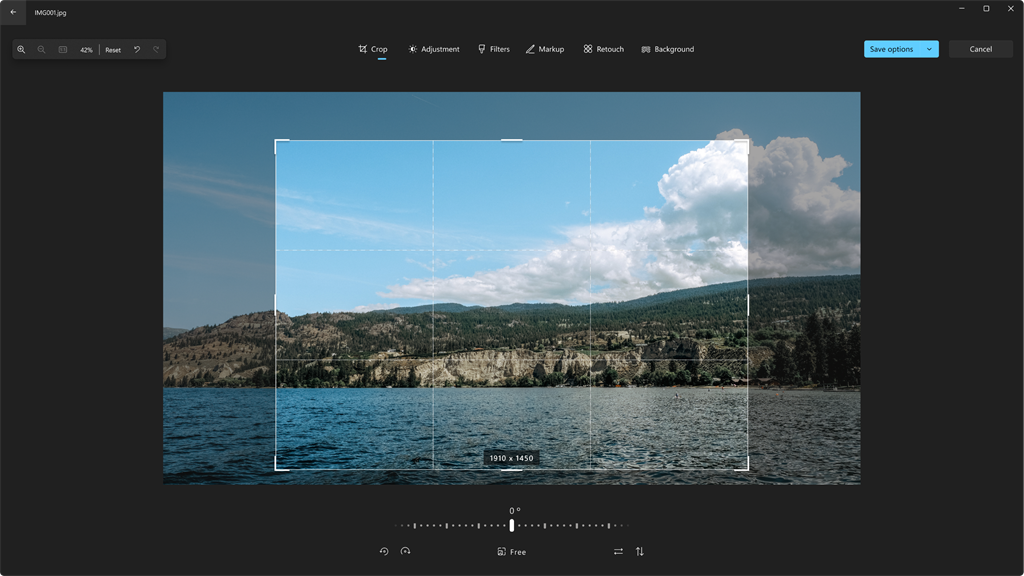
2. Edit and enhance your photos with ease: With Microsoft Photos, you can make quick edits to your pictures, such as cropping, rotating, or adjusting exposure, and even apply creative filters or effects to enhance their visual appeal.
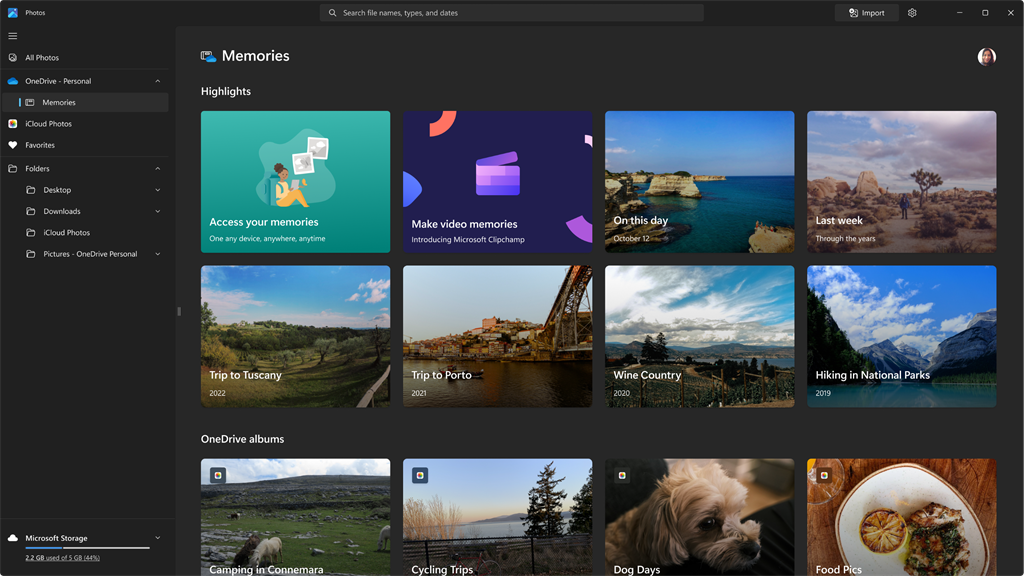
3. Create impressive slideshows and videos: The software enables you to combine photos, videos, and music into stunning slideshows or videos with just a few clicks. You can also add captions, transitions, and customizable themes to personalize your creations and share them with others.
Cons
1. Limited editing features: Microsoft Photos lacks advanced editing tools, making it unsuitable for professional photo editing tasks requiring precise adjustments, such as complex retouching, advanced color grading, or detailed photo enhancements.
2. Limited file format compatibility: The software supports a limited range of file formats, limiting users' ability to work with various image formats commonly used by photographers, such as RAW files. This can lead to inconvenience and the need for additional software for format conversion.
3. Slow performance with large files: When working with high-resolution or large-sized images, Microsoft Photos can become slow and unresponsive, impacting productivity. This can be frustrating when handling large batches of photos or editing high-quality images, causing delays in workflow and potentially affecting the user experience.


