
Microsoft Loop
for Windows- Name Microsoft Loop
- Category Productivity
- Downloads 78,000,000+
- Developer Microsoft Corporation
- Available on PC, HoloLens
- OS Windows 10 version 19041.0 or higher
- Architecture neutral


Pros
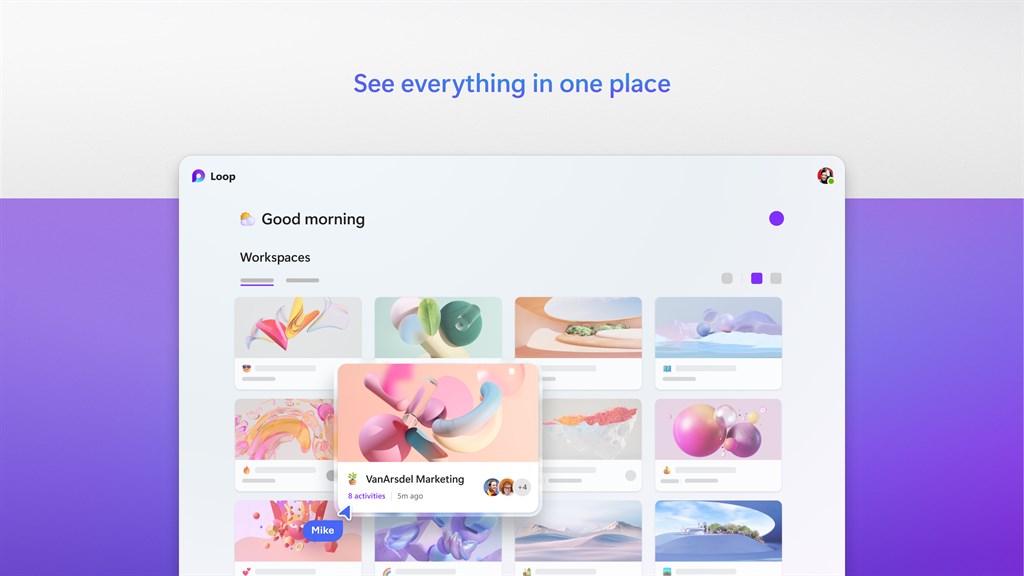
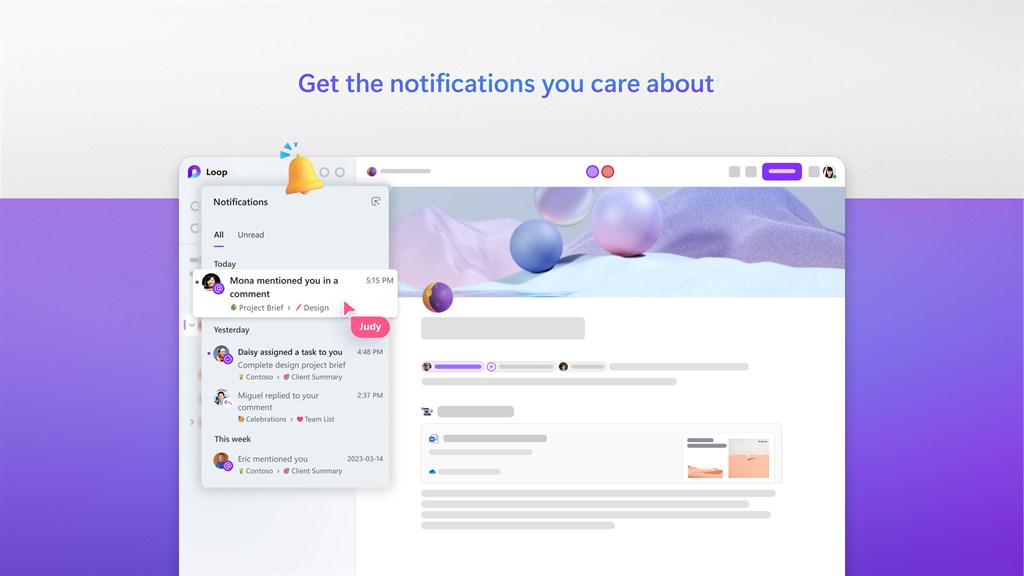
1. Enhanced productivity: Microsoft Loop for PC allows users to easily organize and manage tasks, projects, and notes in a streamlined and collaborative manner. This boosts productivity by providing a centralized platform for efficient team collaboration and effective task management.
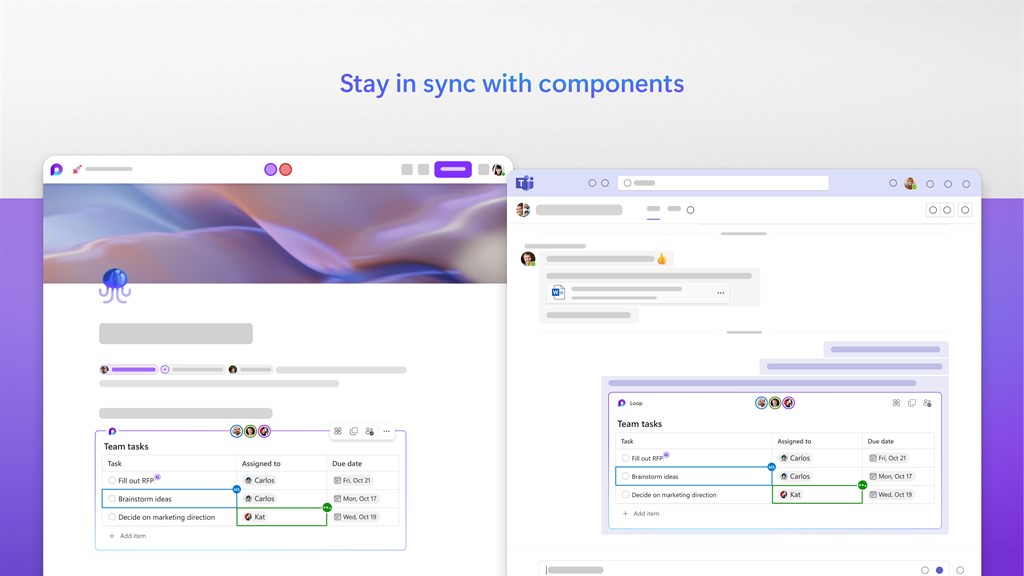
2. Seamless integration: With Microsoft Loop, users can seamlessly integrate with other Microsoft Office applications, such as Outlook and Teams, reducing the need for manual data transfer. This integration ensures a smooth and cohesive workflow, saving time and effort.
3. Advanced customization: Microsoft Loop offers advanced customization options, allowing users to tailor the software to meet their specific needs. This includes customizable templates, layouts, and branding, enabling a personalized and branded experience for users and their teams.
Cons
1. Limited integration: Microsoft Loop for PC has limited integration with third-party applications and services, which restricts its ability to seamlessly collaborate and share information across different platforms.
2. Steep learning curve: The complex and unfamiliar interface of Microsoft Loop may result in a steep learning curve for users, potentially requiring additional time and resources to train employees and fully utilize the software's functionalities.
3. Dependence on internet connectivity: Microsoft Loop heavily relies on internet connectivity, making it less suitable for users in areas with unreliable or limited internet access, hindering productivity and accessibility.


