PDF Pro
- 2.23K
- 4.8
- Installs
- 910.00M
- Version
- Varies with device

Screenshots
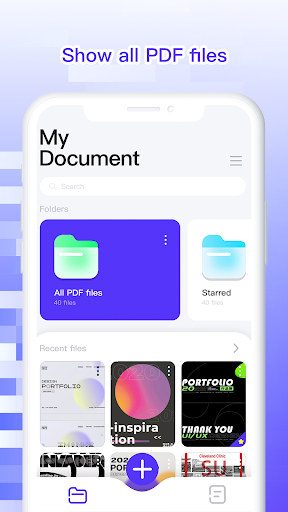
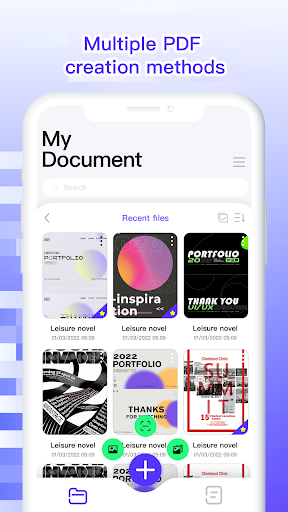
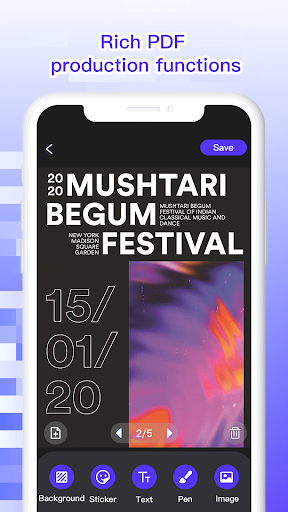
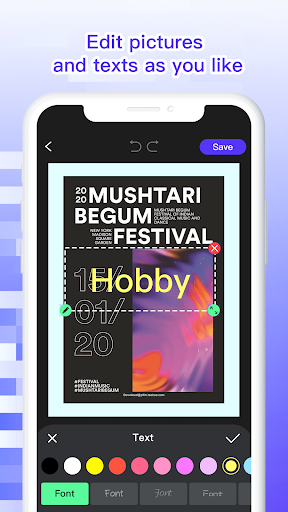

Pros
Comprehensive editing and annotation tools let you modify text and images, add highlights, comments, stamps, and shapes, and merge or split PDFs on the fly. Built-in OCR converts scanned pages into editable text, while form filling and secure e-signature support streamline document workflows for both personal and professional use.
Smooth, private reading experience with fast rendering, reflowable text, and continuous scroll for comfortable navigation. Advanced search, bookmarks, and table-of-contents support let you find information instantly, while night mode, adjustable brightness, annotation filters, cloud sync, and cross-device access keep documents up to date across devices.
Robust file management and conversion features save time: batch compress, merge, or convert PDFs to Word, Excel, and image formats without quality loss. Integrated cloud connectors, password protection, redaction, and export options make sharing secure and efficient, ideal for teams and professionals handling large volumes of documents.
Cons
PDF Pro offers basic viewing for free, but most useful tools require a paid subscription. Recurring fees can be costly compared with alternatives, and the trial restricts key features. The paywall frustrates users who only need occasional edits and don’t want a monthly or annual commitment.
While fine for reading and simple changes, PDF Pro lacks advanced editing capabilities found in desktop editors. Complex layout adjustments, precise form creation, and consistently accurate OCR are limited, making the app less suitable for professional publishing, legal documents, or intensive document preparation.
Users report occasional crashes, slow rendering of large or image-heavy PDFs, and lag during annotation. Cloud sync and third-party integrations can be unreliable, causing version conflicts or upload errors. These performance and stability issues disrupt workflows, especially when handling big files or collaborating in real time.


