Fing
- 1.84K
- 4.9
- Installs
- 340.00M
- Version
- Varies with device

Screenshots

Introduction: What Makes Fing Stand Out?
In a world where network security and connectivity are paramount, Fing emerges as a powerful and user-friendly mobile app that transforms your smartphone into a comprehensive network toolkit. Unlike many network scanners that cater only to IT professionals, Fing strikes a perfect balance between accessibility and advanced functionality. Whether you’re a casual user trying to identify unknown devices on your Wi-Fi or a tech enthusiast monitoring bandwidth usage, this app delivers reliable results with an intuitive interface. Its unique selling point lies in its ability to provide deep network insights without requiring complex configuration, making it a go-to solution for over 40 million users worldwide.
Seamless Network Discovery and Device Identification
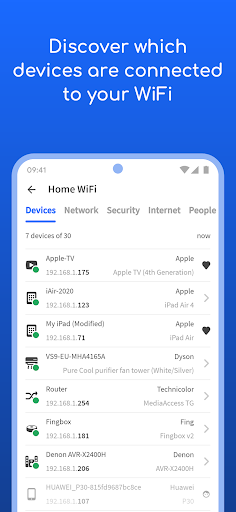
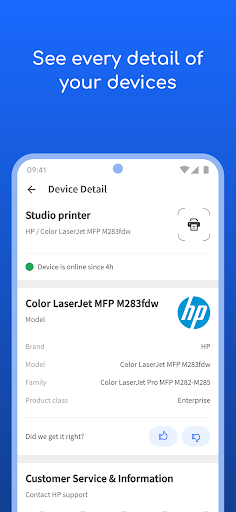
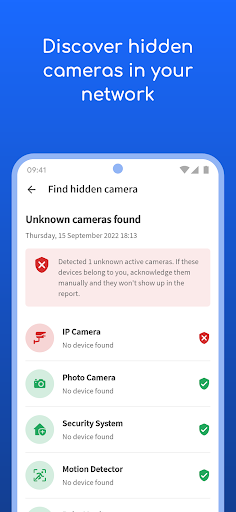
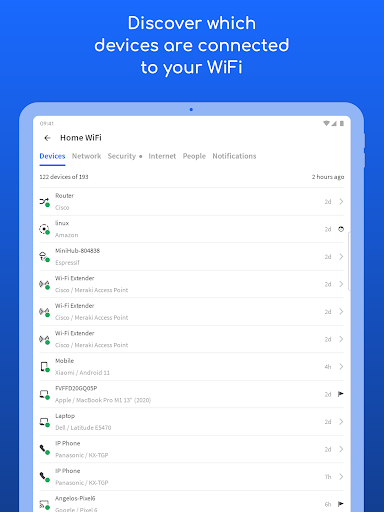
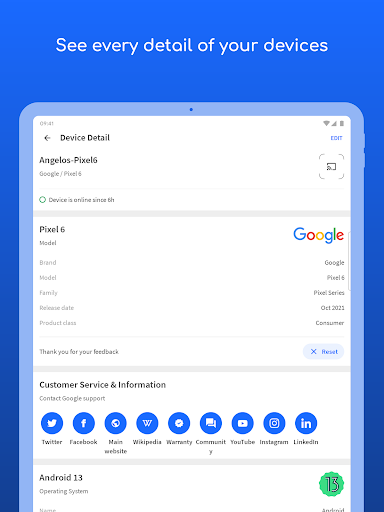
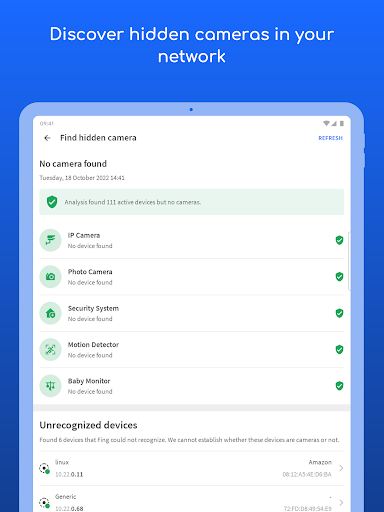
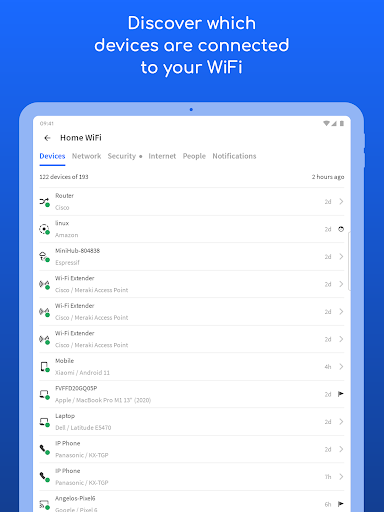
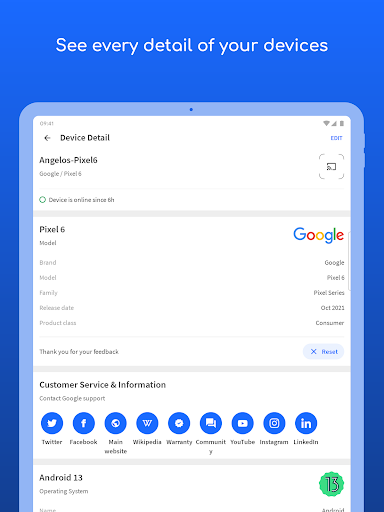
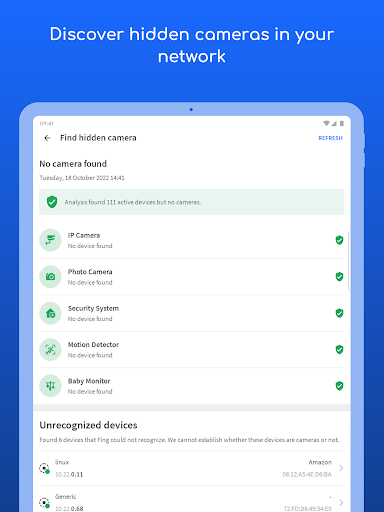
At the core of Fing’s appeal is its robust network discovery feature. With just one tap, the app scans your local network and lists every connected device—from smartphones and laptops to smart TVs, IoT gadgets, and even hidden devices. What sets it apart is its detailed identification capabilities; Fing can recognize device types, manufacturers, and operating systems, often down to the model number. This is invaluable for spotting unauthorized access or forgotten devices eating up your bandwidth. The speed and accuracy of this scan are impressive, typically completing in under 30 seconds, and the results are displayed in a clean, organized dashboard that even novices can navigate effortlessly.
Advanced Diagnostic Tools for Power Users
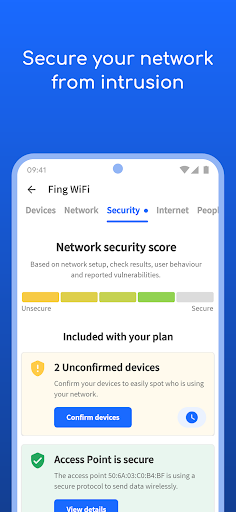
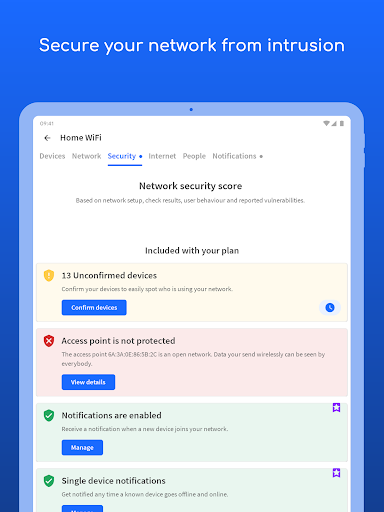
Beyond basic scanning, Fing offers a suite of diagnostic tools that rival desktop-grade software. You can perform ping tests, traceroutes, and port scans to troubleshoot connection issues or assess network stability. The built-in Wi-Fi analyzer helps detect channel congestion and signal strength, guiding you to optimize router placement for better coverage. For those concerned about security, the app can identify open ports and potential vulnerabilities, giving you actionable data to harden your network. These features are not only powerful but also presented in a way that demystifies networking jargon, making professional-level tools accessible to everyday users.
Real-Time Alerts and Internet Speed Testing
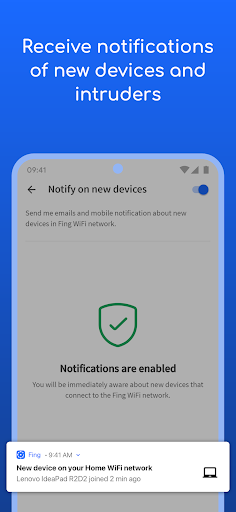
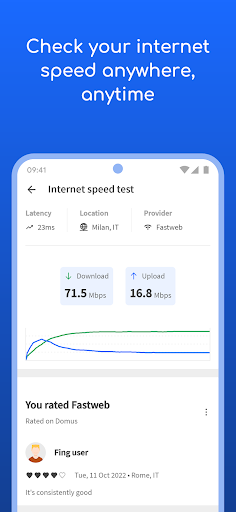
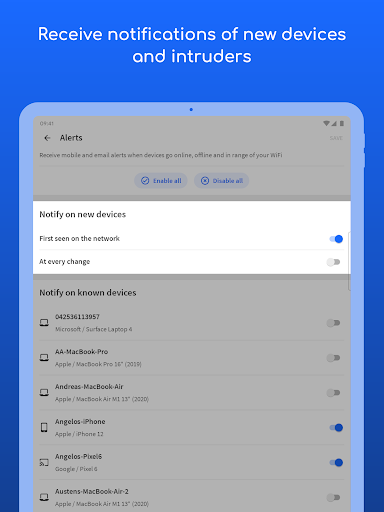
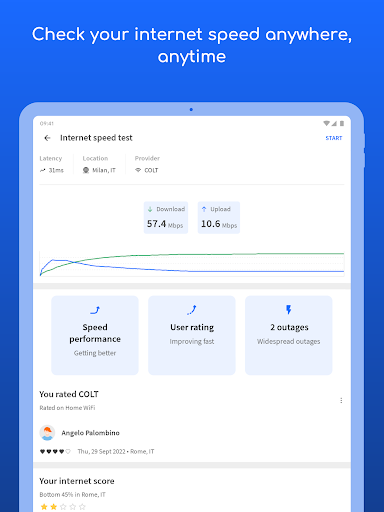
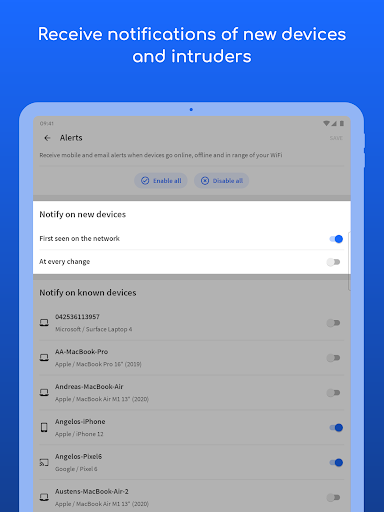
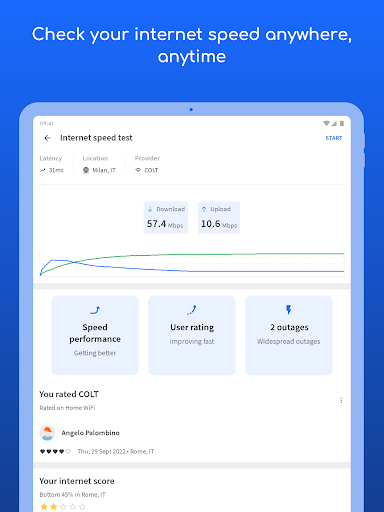
Fing’s competitiveness is further enhanced by its proactive monitoring capabilities. The app can send instant alerts when a new device joins your network or an existing one goes offline, ensuring you’re always aware of changes. This is particularly useful for parents monitoring children’s internet usage or businesses protecting sensitive data. Additionally, the integrated internet speed test—powered by global servers—provides accurate download, upload, and latency metrics. Unlike other speed test apps, Fing correlates these results with your network’s device load, offering a holistic view of performance rather than isolated numbers. This contextual insight helps you pinpoint bottlenecks caused by specific devices or apps.
User Experience and Cross-Platform Integration
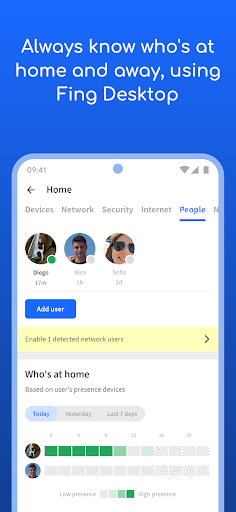
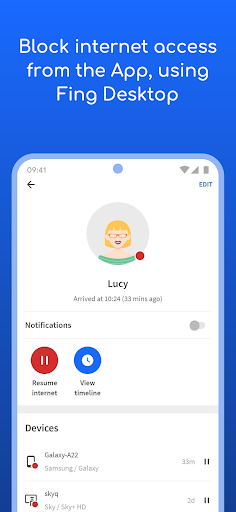
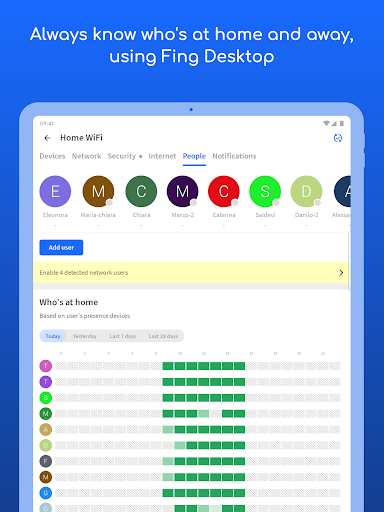
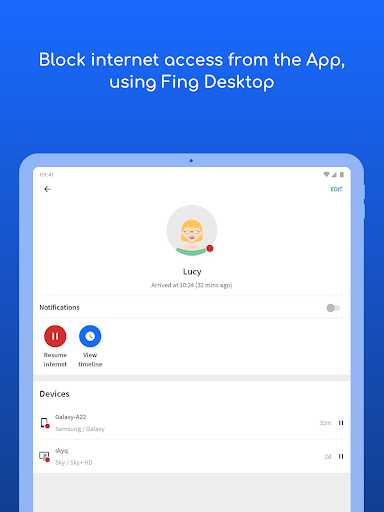
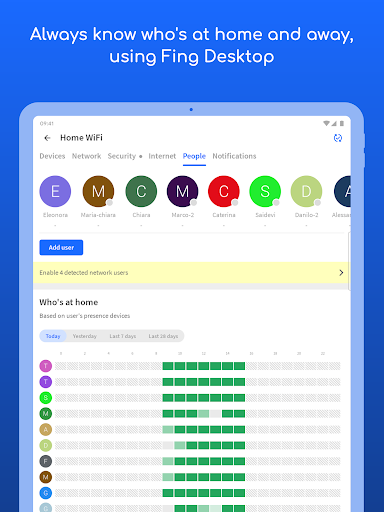
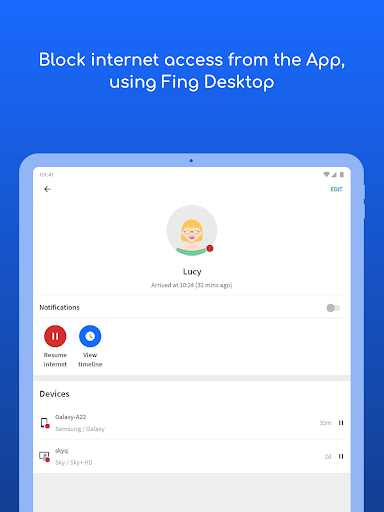
The user experience is where Fing truly shines. Its interface is clean, with a dark theme option that reduces eye strain during night-time use. Navigation is intuitive: a bottom menu bar grants quick access to network scan, internet test, and connected devices. The app also supports cross-platform integration, allowing you to sync Fing Desktop (for Windows/Mac) with your mobile account. This means you can run scans from your computer and view results on your phone, seamlessly blending device ecosystems. Moreover, the free version is remarkably full-featured, with no intrusive ads, while a premium tier unlocks extras like advanced device blocking and historical data—making it a fair freemium model that doesn’t diminish the core experience.
Why Choose Fing Over Competitors?
When compared to alternatives like NetSpot, Angry IP Scanner, or Wi-Fi Analyzer, Fing’s key advantage is its all-in-one approach. These competitors often excel in one area—NetSpot for mapping, Angry IP for raw speed—but Fing combines scanning, diagnostics, alerts, and speed testing in a single, polished package. Its device recognition database is also more extensive, frequently updated to identify new IoT and smart home devices. For users seeking a single tool to manage home networks, troubleshoot issues, or enhance security, Fing offers an unrivaled balance of depth and simplicity. It’s not just a scanner; it’s a network command center in your pocket.


