Microsoft Edge
- 1.48K
- 4.6
- Installs
- 520.00M
- Version
- Varies with device

Screenshots




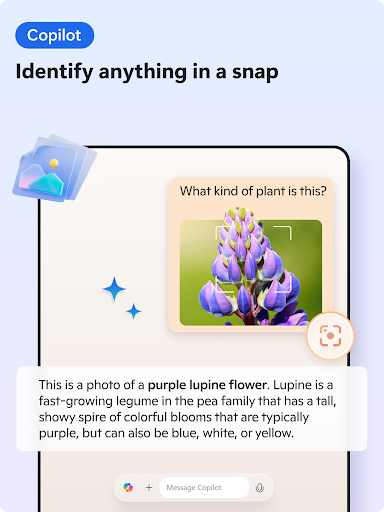
Introduction to Microsoft Edge
Microsoft Edge is a powerful and versatile web browser designed for both mobile and desktop platforms. As the successor to Internet Explorer, Edge has undergone significant transformations, emerging as a robust competitor in the browser market. With its sleek design, seamless integration with Microsoft services, and a host of innovative features, Microsoft Edge has become a favorite among users seeking a fast, secure, and efficient browsing experience.
User-Friendly Interface
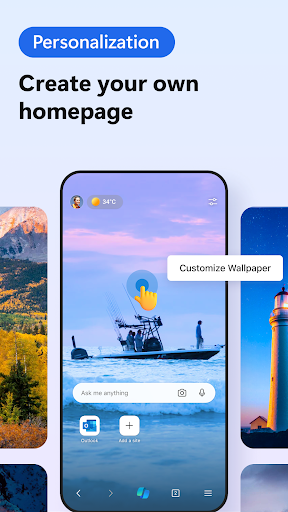
One of the standout features of Microsoft Edge is its user-friendly interface. The browser boasts a clean and intuitive design, making it easy for users to navigate and access their favorite websites. The homepage is customizable, allowing users to set their preferred background image, quick links, and news feed. The tab management system is also highly efficient, enabling users to organize and switch between multiple tabs effortlessly.
Seamless Integration with Microsoft Services
Microsoft Edge offers seamless integration with a wide range of Microsoft services, including Office 365, OneDrive, and Cortana. This integration allows users to access their documents, emails, and files directly from the browser, enhancing productivity and convenience. For instance, users can open and edit Word, Excel, and PowerPoint files within the browser without needing to download them. Additionally, Cortana, Microsoft's virtual assistant, provides real-time suggestions, answers, and reminders, making the browsing experience more interactive and personalized.
Enhanced Security and Privacy
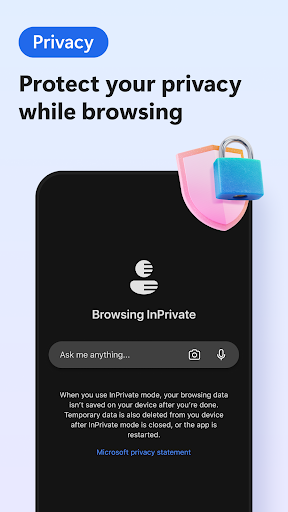
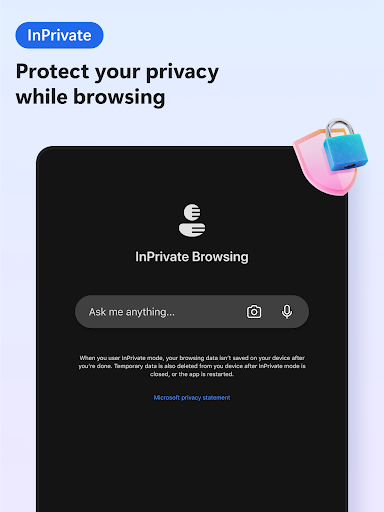
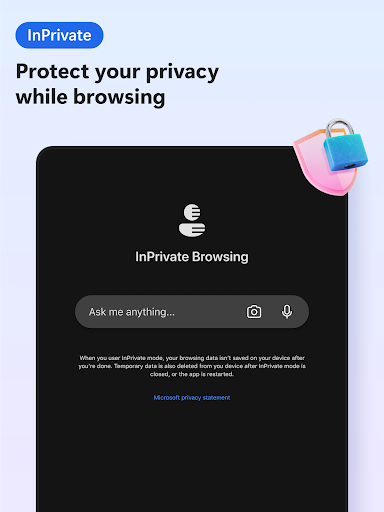
Security and privacy are paramount in today's digital age, and Microsoft Edge excels in this area. The browser is equipped with advanced security features, including Microsoft Defender SmartScreen, which protects users from phishing attacks and malicious websites. Edge also offers a robust tracking prevention feature, allowing users to control how their data is collected and used by websites. Furthermore, the browser supports secure password management and biometric authentication, ensuring that users' sensitive information remains protected.
Performance and Speed
Microsoft Edge is built on the Chromium engine, which is known for its speed and performance. This ensures that the browser loads web pages quickly and efficiently, even when handling multiple tabs or resource-intensive websites. The browser also includes a feature called "Sleeping Tabs," which reduces memory and CPU usage by putting inactive tabs to sleep. This not only improves performance but also extends battery life on mobile devices.
Cross-Platform Syncing
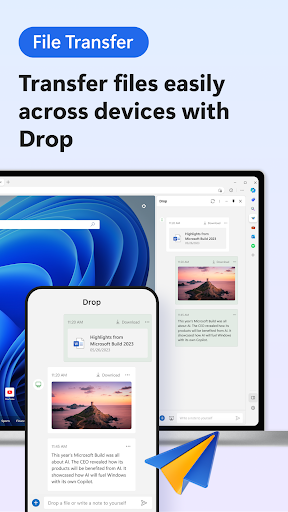
One of the most convenient features of Microsoft Edge is its cross-platform syncing capability. Users can sync their browsing history, favorites, passwords, and open tabs across all their devices, including Windows PCs, Macs, Android, and iOS devices. This ensures a seamless browsing experience, allowing users to pick up where they left off, regardless of the device they are using. The syncing process is secure and encrypted, providing peace of mind for users concerned about their data privacy.
Extensive Extension Support
Microsoft Edge supports a wide range of extensions available from the Microsoft Edge Add-ons store. These extensions enhance the browser's functionality, allowing users to customize their browsing experience to suit their needs. Popular extensions include ad blockers, password managers, and productivity tools. The browser also supports Chrome extensions, giving users access to an even broader selection of add-ons.
Conclusion
Microsoft Edge is a feature-rich web browser that offers a superior browsing experience on mobile devices. Its user-friendly interface, seamless integration with Microsoft services, enhanced security features, and cross-platform syncing capabilities make it a top choice for users seeking a reliable and efficient browser. Whether you're a casual user or a power user, Microsoft Edge has something to offer, making it a worthy contender in the competitive world of web browsers.
Latest Update: Microsoft Has Released The Second Update To Edge 104
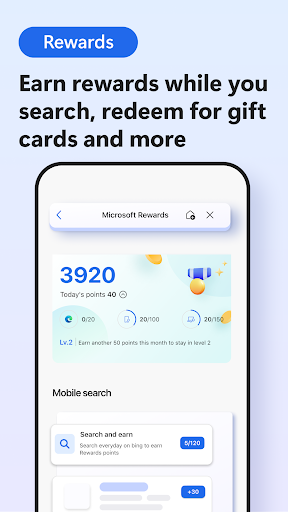
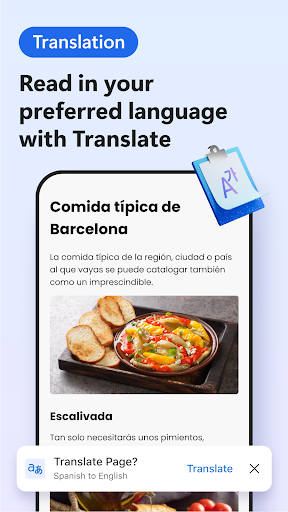
New features include the display of notifications when Microsoft Rewards points increase, new option to provide translation information with feedback for Android, and a new policy to manage mini menu settings.


