AR Ruler App
- 2.33K
- 4.2
- Installs
- 560.00M
- Version
- Varies with device

Screenshots




Introduction
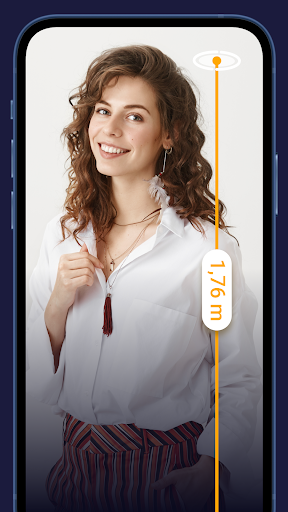
In a world where precision matters, the AR Ruler App emerges as a game-changing tool that transforms your smartphone into a high-tech measuring device. Leveraging augmented reality technology, this app allows users to measure distances, lengths, and angles with remarkable accuracy, all without needing a physical ruler or tape measure. Whether you’re a DIY enthusiast, an interior designer, or simply someone who needs quick measurements, AR Ruler offers a seamless blend of convenience and innovation. In this review, we’ll explore its unique features, competitive edge, and why it stands out in the crowded market of measurement apps.
Cutting-Edge Augmented Reality Technology
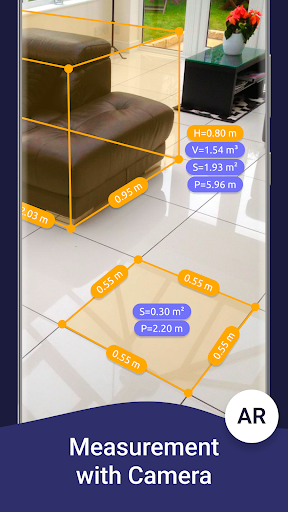
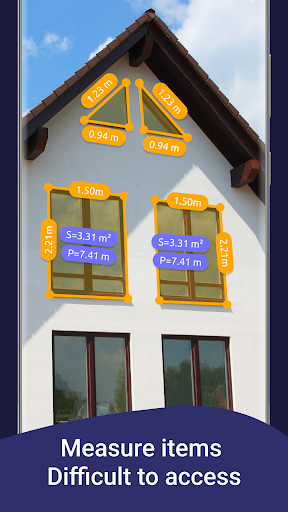
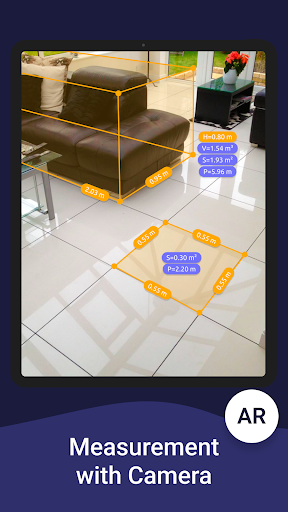
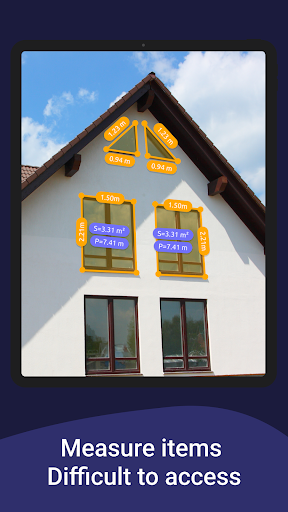
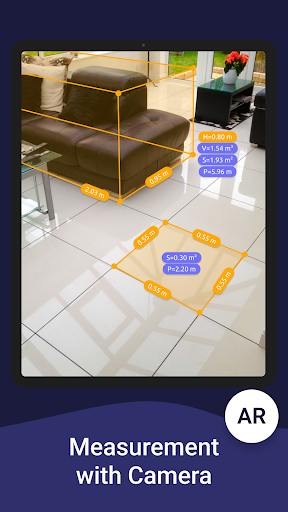
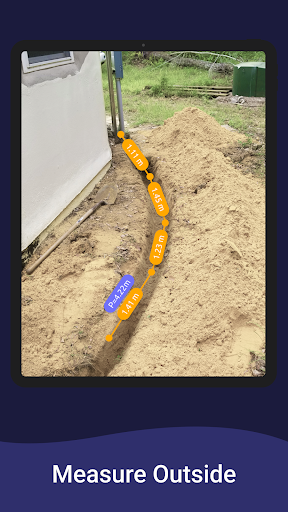
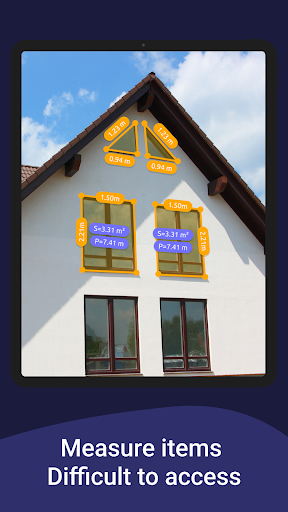
At the heart of the AR Ruler App is its sophisticated use of augmented reality, which overlays virtual measuring tools onto the real world through your phone’s camera. This isn’t just a simple gimmick—the app uses advanced algorithms and sensor data to ensure measurements are accurate within millimeters. Unlike traditional apps that rely on manual inputs or guesswork, AR Ruler adjusts in real-time as you move your device, making it ideal for measuring furniture, walls, or even outdoor spaces. The competitive edge here is clear: it eliminates the need for multiple tools, offering a one-stop solution for diverse measuring tasks.
Versatile Measuring Modes
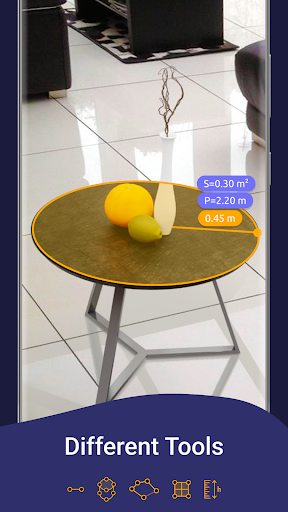
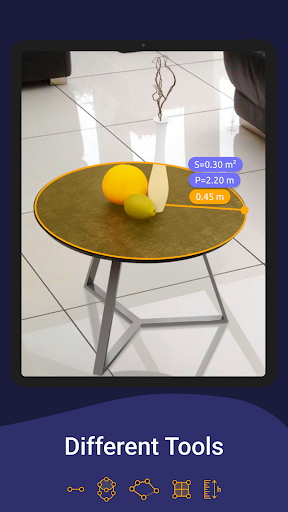
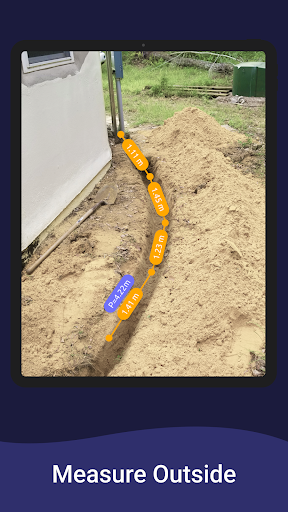
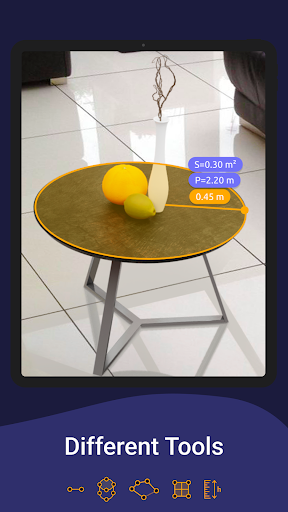
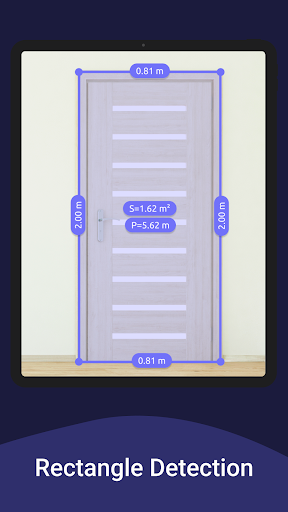
One of the app’s standout strengths is its variety of measuring modes. You can measure linear distances, heights, widths, and even angles with intuitive controls. For instance, the “3D Measurement” mode lets you capture the dimensions of objects in three dimensions, perfect for planning room layouts or checking package sizes. Additionally, the “Path Measurement” feature allows you to trace irregular shapes, such as curved paths or custom furniture edges, providing accurate perimeter data. This versatility makes AR Ruler suitable for both personal and professional use, from home renovations to architectural projects.
User-Friendly Interface and Real-Time Feedback
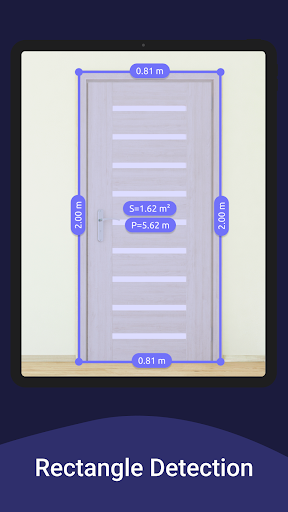
Navigating the app is a breeze, thanks to its clean and intuitive interface. Upon launch, you’re greeted with a simple tutorial that guides you through the basics, even if you’re new to AR apps. The measuring process is straightforward: point your camera at the target, tap a starting point, and move to the endpoint. The app provides instant visual feedback with a dynamic line and numeric display, so you always know your measurement is correct. This real-time interaction reduces errors and saves time, setting AR Ruler apart from competitors that offer clunky or slow responses.
Integration and Export Features
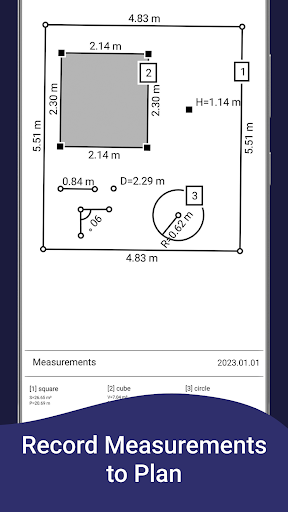
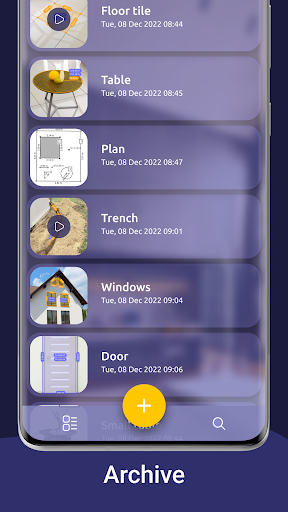
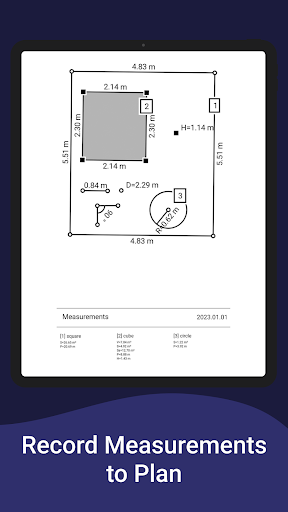
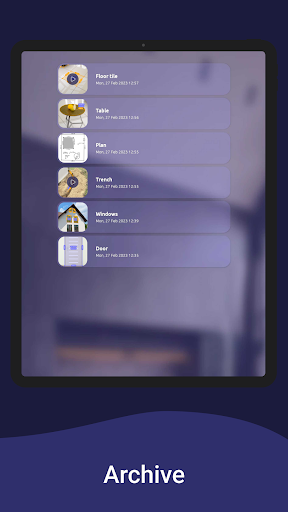
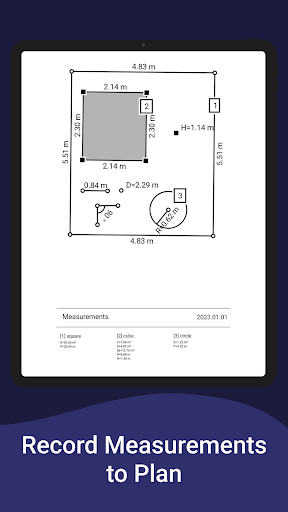
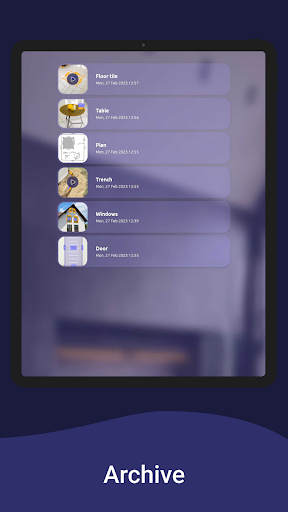
Another unique selling point is the app’s ability to integrate with other tools. You can save measurements as screenshots or export them as PDFs, making it easy to share data with colleagues or clients. For professionals, this functionality is invaluable—imagine sending precise dimensions to a contractor or documenting room layouts for an interior design project. The app also supports multi-unit conversions (e.g., inches, centimeters, feet), catering to global users. This focus on practicality enhances its competitiveness, as it not only measures but also documents and communicates results efficiently.
Competitive Edge Over Traditional Methods
Compared to traditional measuring tools like tape measures or laser rangefinders, the AR Ruler App offers unmatched portability and cost-effectiveness. You don’t need to carry bulky equipment—just your smartphone. Additionally, it eliminates the common issue of misreading measurements or struggling with awkward angles. While some laser tools provide similar accuracy, they often come with a higher price tag and require separate calibration. AR Ruler, however, is accessible to anyone with a compatible device, making it a democratizing force in measurement technology.
Limitations and Considerations
No app is without its flaws. The accuracy of AR Ruler can be affected by low lighting, reflective surfaces, or moving objects, though it performs admirably in optimal conditions. Users should also ensure their device supports ARKit (for iOS) or ARCore (for Android) for the best experience. Despite these minor constraints, the app’s reliability and feature set far outweigh the occasional hiccup, especially when considering its free base version (with in-app purchases for premium features).
Final Verdict
The AR Ruler App is a must-have for anyone seeking a modern, efficient measurement solution. Its augmented reality precision, versatile modes, and user-centric design make it a standout in the app store. Whether you’re measuring a picture frame, planning a renovation, or just satisfying curiosity, this app delivers consistent results with minimal effort. I highly recommend downloading it—your next DIY project will thank you.


