PDF Reader
- 1.98K
- 4.1
- Installs
- 310.00M
- Version
- Varies with device

Screenshots

Pros
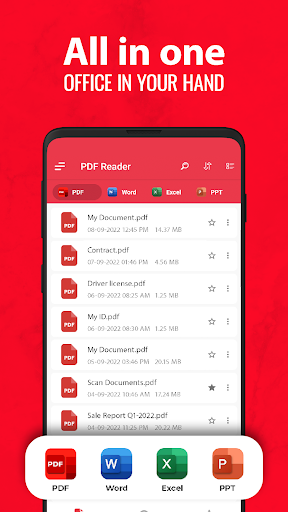
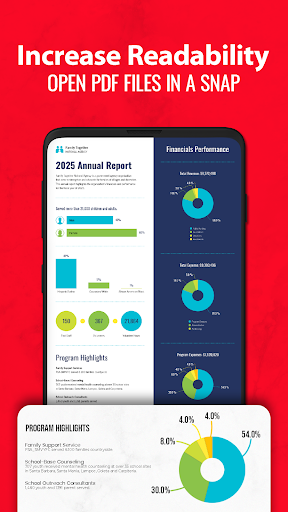
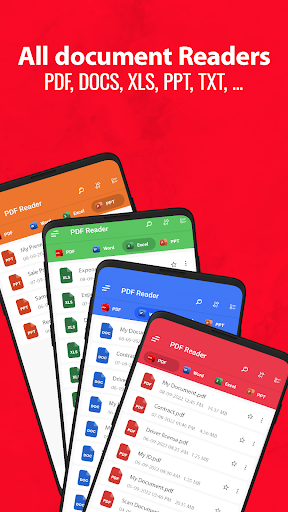
Fast, reliable PDF viewing and intuitive navigation make PDF Reader – PDF Viewer ideal for everyday use. It opens large documents quickly, supports smooth scrolling and fast search, and offers bookmarks, thumbnails, and reading modes (single page, continuous, night) so users can find and read content efficiently.
Comprehensive annotation and editing tools let users highlight, underline, add comments, draw, insert text or shapes, and digitally sign documents. Built-in form filling, page reordering, cropping, and basic editing functions make it a practical on-the-go editor for reviewing, proofreading, and collaborating without switching to desktop software.
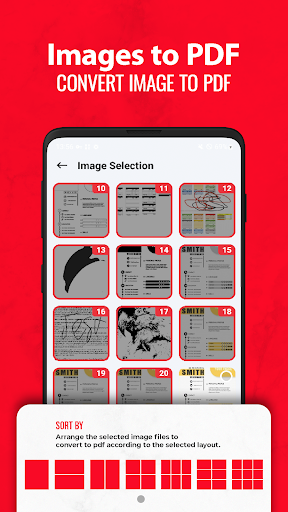
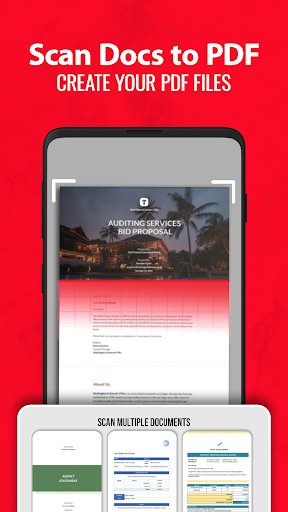
Robust file management and productivity features include easy import/export, integration with popular cloud services, secure password protection, and efficient operations like merge, split, compress, and convert. Advanced text extraction (OCR) and seamless sharing options streamline workflows across devices and make exchanging reviewed files fast and secure.
Cons
While it handles viewing and basic annotations well, the app lacks robust PDF editing tools — full text editing, precise layout adjustments, or advanced form editing are restricted. Users needing comprehensive PDF creation or heavy document restructuring often must rely on desktop software or premium upgrades to complete complex edits.
Performance can suffer with large or image-heavy files: loading times increase, searches lag, and annotations may stutter on older devices. OCR and text extraction for scanned documents are sometimes inaccurate, requiring manual corrections. Users working with big projects or scanned archives may encounter reduced productivity and occasional crashes.
The free version includes ads and locks many useful features behind a subscription, such as cloud sync, advanced annotation tools, and secure options. Frequent users can find the freemium model costly over time. Additionally, mandatory account sign-ins for cloud features may raise privacy concerns for sensitive documents.


