Document Reader & Viewer
- 1.81K
- 4.5
- Installs
- 60.00M
- Version
- Varies with device

Screenshots






Pros
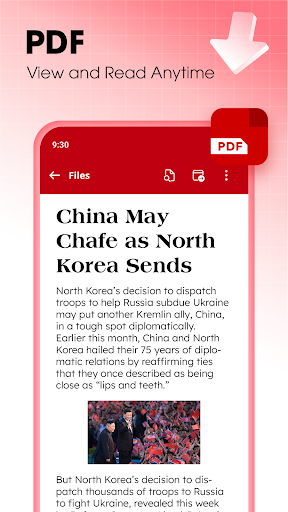
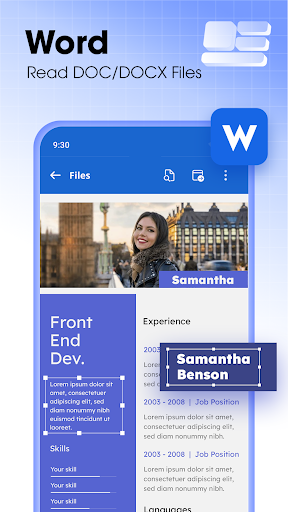
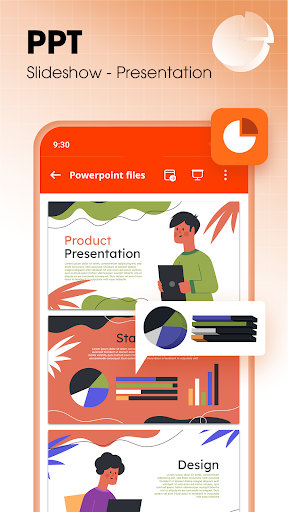
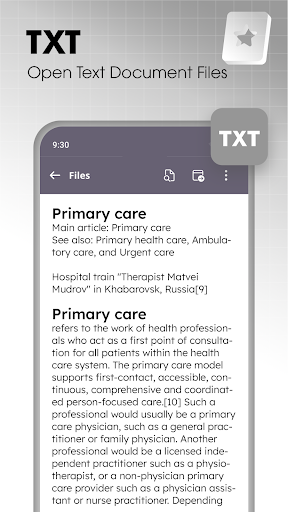
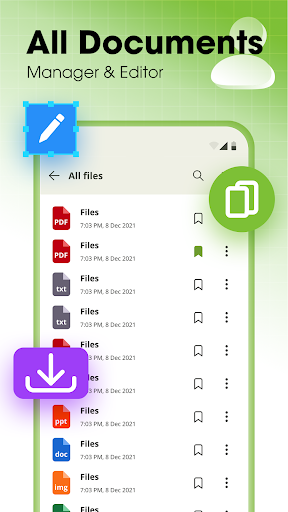
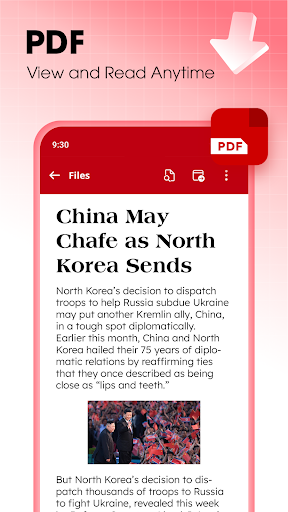
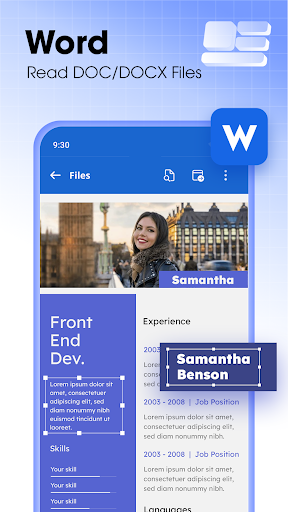
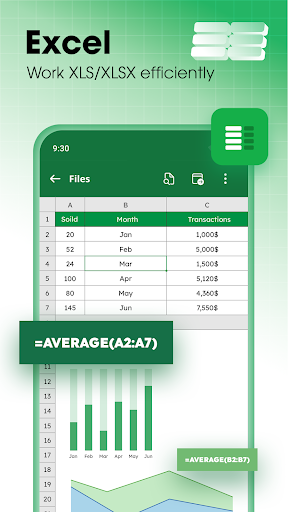
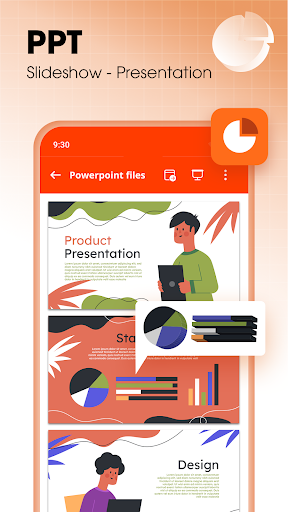
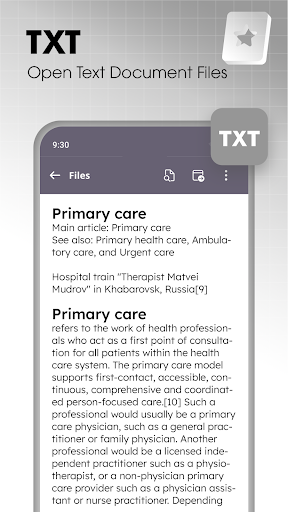
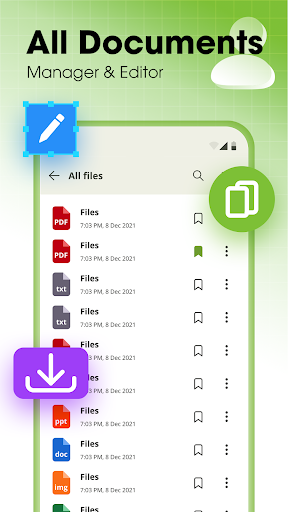
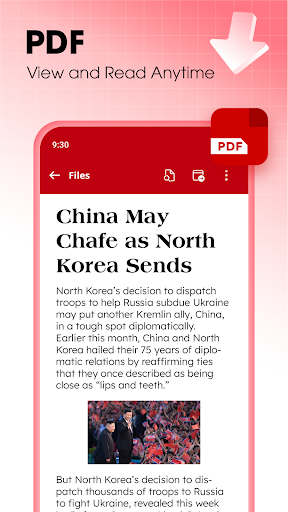
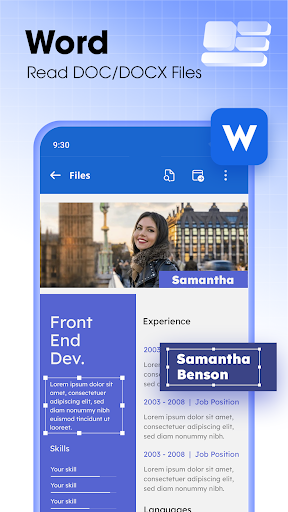
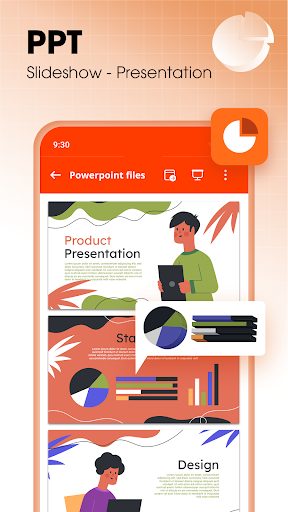
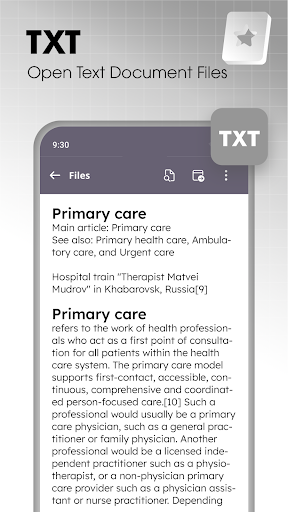
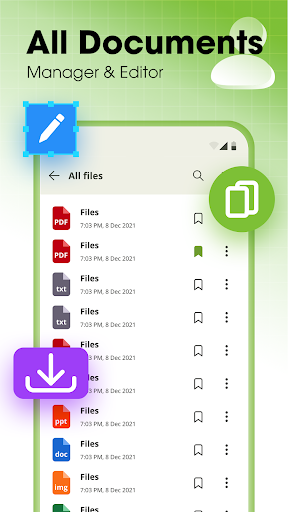
Document Reader & Viewer supports PDFs, DOCX, PPTX, EPUB, TXT, images, and more, opening files instantly with smooth page rendering and fast search. Its lightweight engine ensures quick load times and reliable performance on phones and tablets, boosting productivity for both business and personal use.
Advanced annotation and editing tools let users highlight, comment, draw, fill forms, and sign documents. Built-in OCR converts scanned pages into searchable text, while powerful keyword search and bookmarking make finding important passages effortless — ideal for students, lawyers, and professionals who need accurate document control.
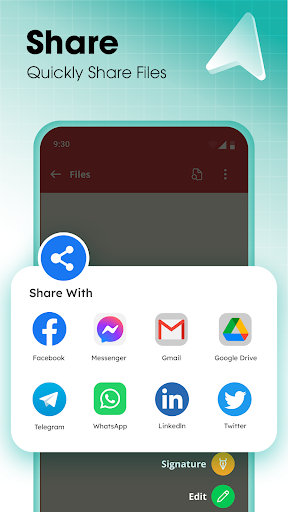
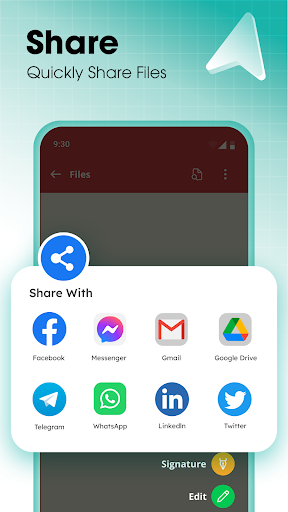
Seamless cloud integration syncs files across Google Drive, Dropbox, and OneDrive, enabling access anywhere with offline support. Robust security features include password protection and permission controls. Customizable reading modes — night, reflow, text size, and orientation — provide a comfortable viewing experience tailored to user preferences.
Cons
Document Reader & Viewer sometimes struggles with complex file formats and advanced PDF features. Large or richly formatted documents—interactive forms, layered images, custom fonts, and complex tables—can render incorrectly or lose layout fidelity. This inconsistency forces users to open such files in alternative software for accurate viewing and editing.
Performance can suffer when handling large documents or numerous files. Load times, in-app searching, and OCR processing may be slow or memory-intensive on older devices, causing hangs or crashes. Users who frequently work with high-resolution scans or long PDFs may experience frustrating delays that disrupt productivity.
Key advanced features such as batch conversion, cloud sync, robust annotation tools, or high-accuracy OCR are often gated behind a subscription or peppered with ads. This limits functionality for casual users and raises concerns about data privacy and reliable syncing—especially for professionals who need consistent access across devices.


