TV Remote for Ruku & Smart TV
- 1.56K
- 4.1
- Installs
- 620.00M
- Version
- Varies with device

Screenshots



Pros
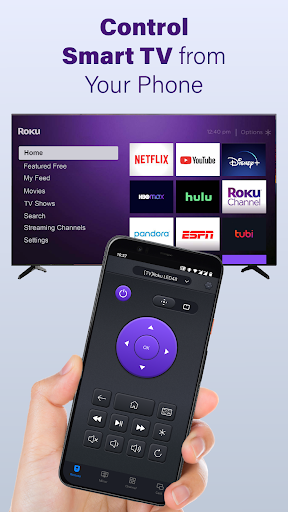
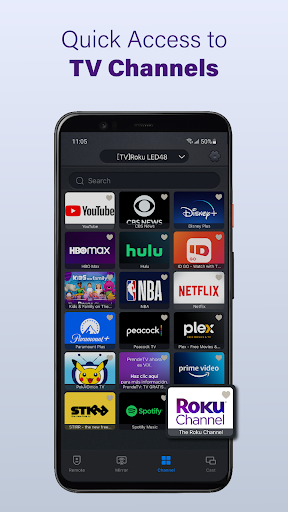
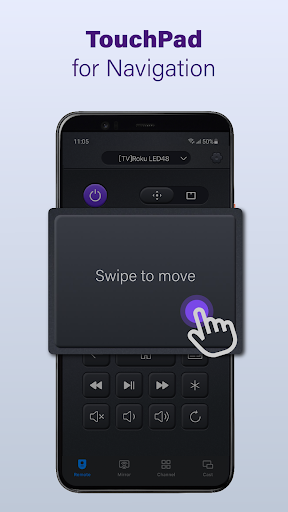
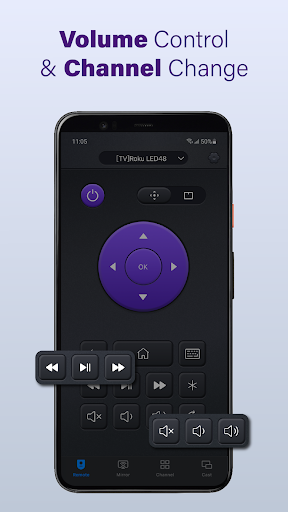
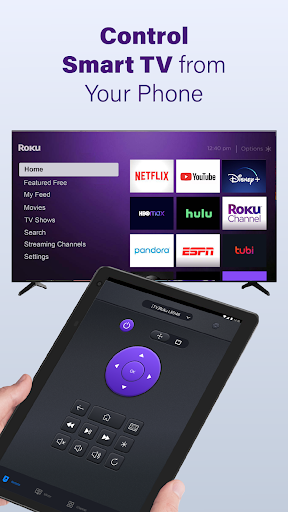
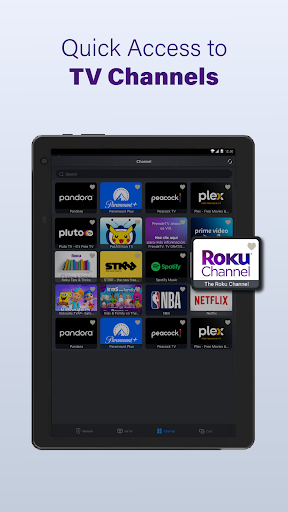
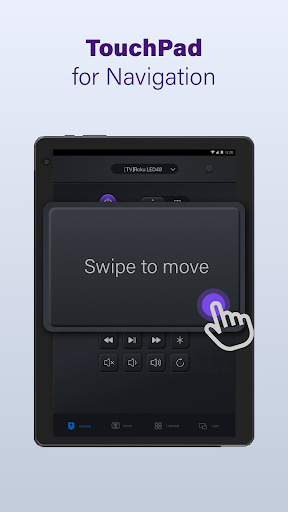
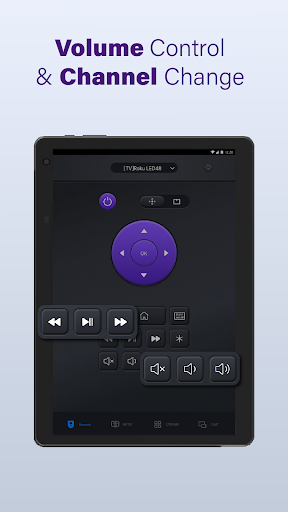
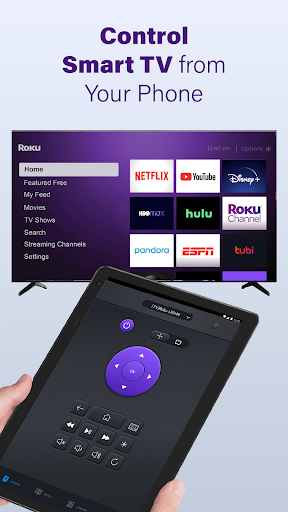
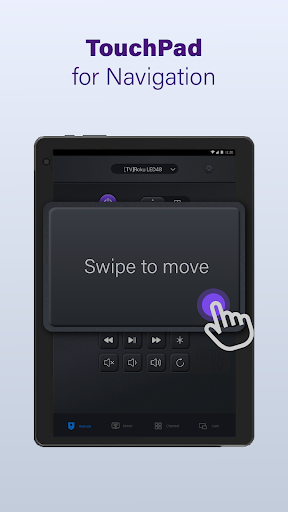
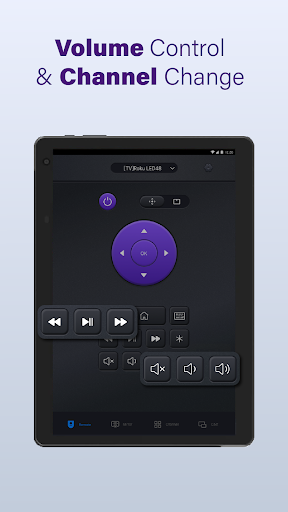
TV Remote for Ruku & Smart TV turns your smartphone into a full-featured remote control, eliminating lost or cluttered remotes. It provides power, volume, navigation, and app-launch buttons with instant response over Wi-Fi, making streaming, channel switching, and app control faster and more reliable than traditional physical remotes.
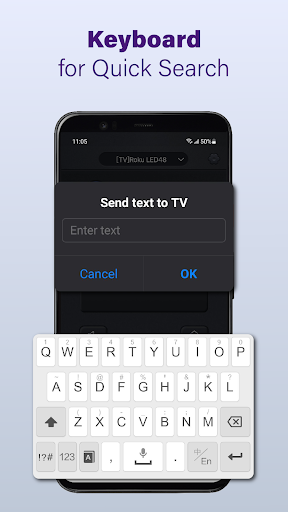
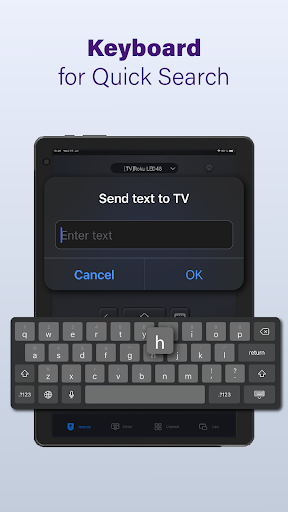
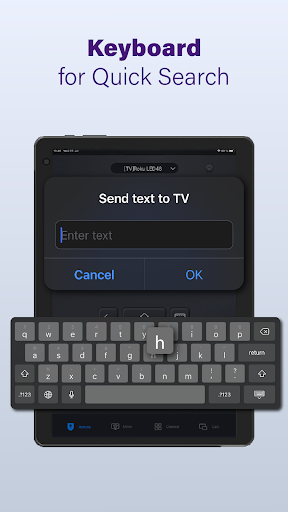
Built-in voice search and a touchscreen keyboard let you find shows, type passwords, and launch apps faster than using a tiny IR remote. TV Remote for Ruku & Smart TV supports speech commands, predictive text, and clipboard paste, turning tedious text entry into a quick, seamless experience for streaming and sign-in tasks.
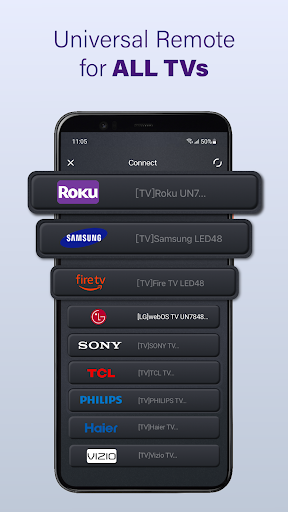
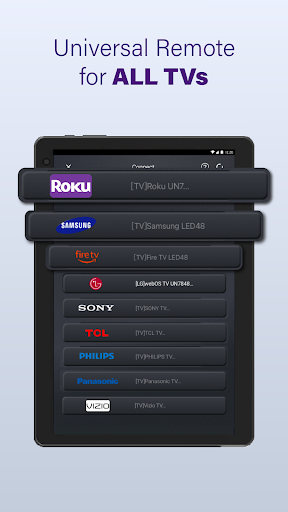
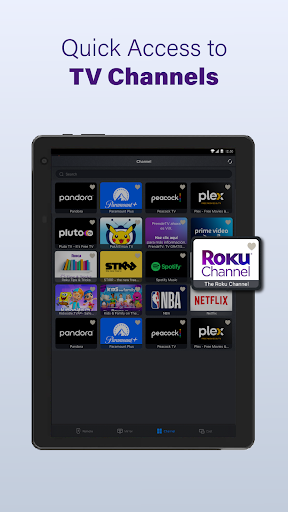
TV Remote for Ruku & Smart TV's multi-device discovery and customizable layouts make it easy to control multiple smart TVs from one app. It offers programmable buttons, quick-launch favorites, secure Wi-Fi pairing, and easy device switching — ideal for households with several TVs or anyone who wants a personalized, efficient remote.
Cons
Reliance on Wi‑Fi pairing makes the TV Remote for Ruku & Smart TV unreliable in some homes: connection drops, network conflicts, or different router subnets can prevent control. Without IR support, it won't work if the app or TV loses network access, leaving users stuck until connections are fixed.
Many users encounter intrusive ads and feature gating in the free version. Essential tools like voice search, keyboard entry, or remote customization are often locked behind in‑app purchases or subscriptions, disrupting usability. Paying removes ads, but costs can add up, reducing the app's value for casual users.
The app may request broad device permissions and run background services that raise privacy and battery concerns. Users should be cautious about microphone, storage, or network access requests; unclear data handling and analytics can be problematic. Continuous Wi‑Fi use also contributes to faster battery drain on phones and tablets.


